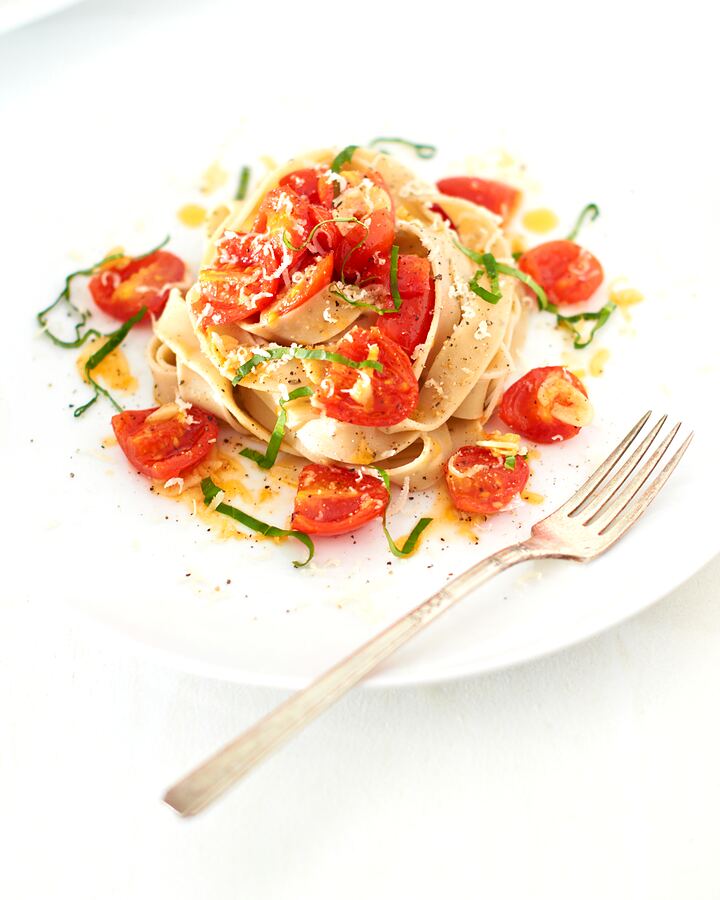



 Nº 01
Yours, by hand
You add the recipes and you choose the meals. Nothing is auto-generated, so the plan always looks like your household.

Marinelloni is a quiet place for the recipes you already love, a weekly plan you write yourself and a shopping list you can trust at the shop.
No algorithm deciding what you eat, no clutter — just your kitchen, organised the way you would do it on a good day. You add the products you buy, the recipes you cook and the meals you want, and the list follows.
— from our table to yours
What we believe
Nº 01
You add the recipes and you choose the meals. Nothing is auto-generated, so the plan always looks like your household.
 Nº 02
Each product — with its category, unit, description and photo — is added once and reused in every recipe, plan and list.
 Nº 03
Tasks, activities, equipment and battery dates sit beside the kitchen, so the household runs from the same calm page.
How it works

Add each product once — name, category, unit, a short description and a photo. From then on it is ready for every recipe, plan and list.

Write down the dishes you cook at home and link them to the products in your catalog, so you never type “olive oil” twice.

Place your recipes on the calendar, day by day. You choose every meal; nothing is suggested or filled in for you.

Build the shopping list, take it to the shop on your phone and tick each item off as it goes into the basket.
and beyond the kitchen…
Membership
Every plan opens the whole kitchen: recipes, the weekly plan, shopping lists and the household side. Cancel any time from your profile.
Secure payment · Cancel from your profile · Plans renew automatically until cancelled
Questions

A calm home for your recipes, your weekly meal plan and your shopping list — plus the household odds and ends — all organised by you, in one place.
No, and on purpose. You add your own recipes and place them on the calendar yourself. Nothing is generated or suggested, so the plan always reflects the way your household really eats.
You add a product once — name, category, unit, a short description and a photo — and it links into your recipes, meal plans and shopping lists. No re-typing the same item every week.
Yes. The list lives on your phone, so you can tick items off as you pick them up and see at a glance what is still missing.
No. Alongside the kitchen you can keep household tasks, recurring activities and equipment, each with its own list and schedule, and note when batteries were last replaced and when they are due.
Your plan and its price are shown before you pay and renew automatically. You can cancel from the Subscription panel in your profile or on the Unsubscribe page; the Subscription & Cancellation Policy has the details.
to: your kitchen
Billing, your account or how the weekly plan works — write to us and our support team will get back to you.